

Key Takeaways
- Thread is a low power, IPv6 based mesh protocol built for local smart home reliability, not high bandwidth streaming. It is architecturally distinct from WiFi and Bluetooth.
- Ecosystem rollout of Thread 1.4 remains incomplete in early 2026. Mixed brand homes still face mesh fragmentation and intermittent device flapping.
- Buy Thread now if you need local Matter native locks and sensors with a proper border router. Wait if you prioritize maximum battery life or cannot tolerate occasional network instability.
- What is Thread and why it matters for smart homes
- Thread vs WiFi smart home — clear trade-offs
- Top user complaints for sensors & locks — Thread and WiFi (and how to mitigate)
- What most smart-home guides miss about Thread 1.4 (unique insight)
- Thread network reliability — real issues and realistic expectations
- Performance & latency — what you can expect (and what we don’t know)
- Economics and buying considerations (price uncertainty and device premium)
- Timeline & adoption — should you buy Thread devices now or wait?
- Practical setup checklist — border router setup and basic troubleshooting steps
- Buying checklist — how to evaluate Thread sensors and locks today
- Quick decision guide (one-page recommendation)
- Appendix / Sources & further reading
What is Thread and why it matters for smart homes
A Thread mesh network smart home runs on an IPv6 based, low power wireless protocol designed from the ground up for local, device to device communication. Unlike WiFi, which funnels every command through a central router and often the cloud, Thread lets battery powered sensors, locks, and actuators talk directly to each other. Each mains powered device becomes a node that extends the mesh, so a signal can hop from your garage sensor through a hallway plug to your hub without any single point of failure.
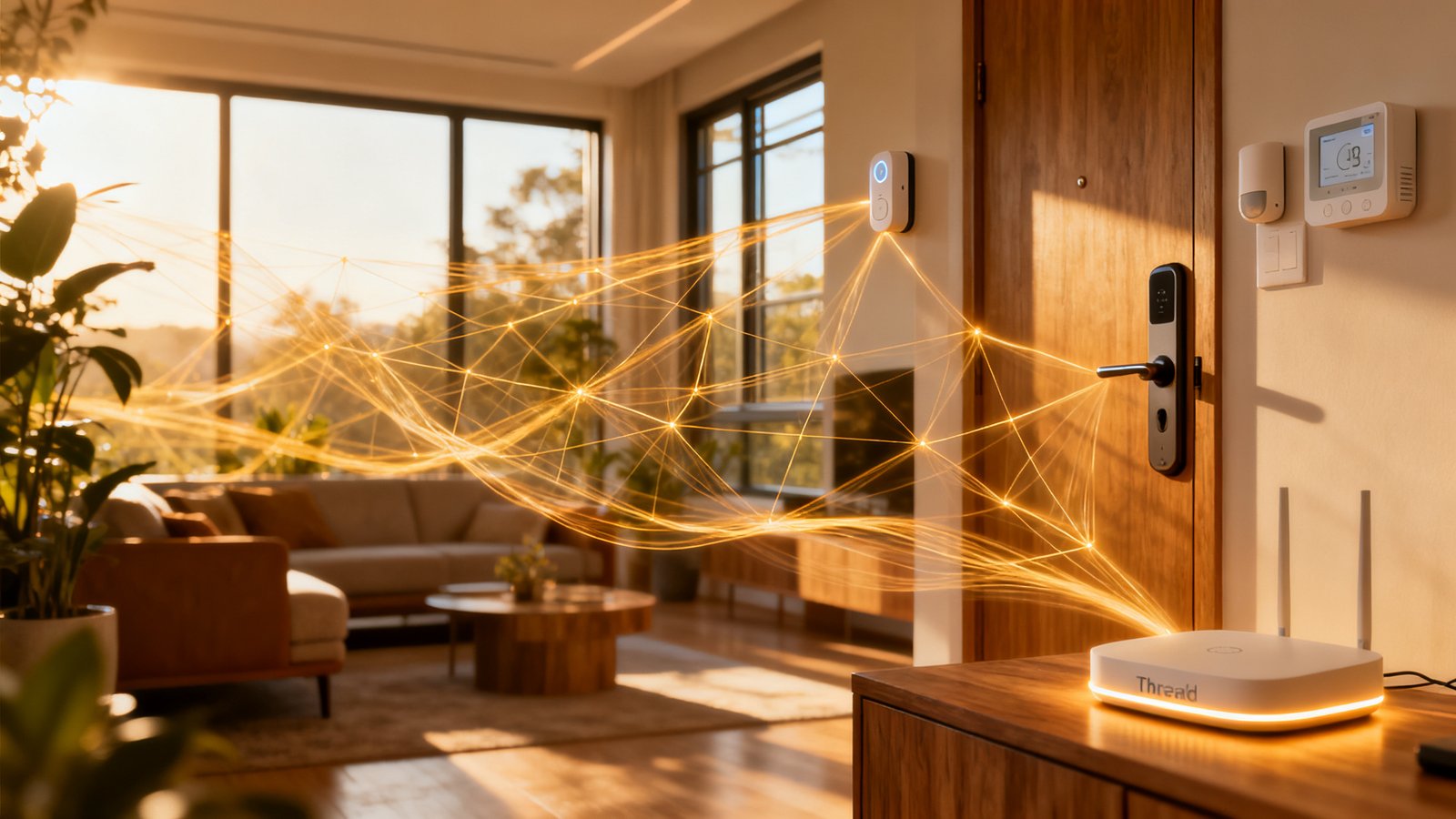
Thread matters because it is the wireless backbone Matter was built on. Matter is the application layer that lets devices from Apple, Google, Amazon, and Samsung interoperate. Thread provides the transport. Together they promise a smart home where your smart deadbolt responds locally in under a second, your motion sensor triggers lights without phoning home to a server, and your network keeps working even when the internet drops.
Architecturally, Thread is closer to Zigbee than WiFi. It uses IEEE 802.15.4 radios, the same low power PHY layer Zigbee relies on, but adds native IP addressing. That IP layer is the critical difference. Every Thread device gets its own IPv6 address. This means direct, routable connectivity without proprietary translation gateways. It also means Thread can integrate with existing IP based diagnostic tools, something Zigbee and Z-Wave simply cannot do.
WiFi dominated smart home connectivity revenue in 2025, capturing 60.12% according to Mordor Intelligence. Thread remains an emerging option with its ecosystem rollout still in progress in early 2026. The gap between incumbent dominance and Thread’s promise is where most buying decisions get complicated.
Thread vs WiFi smart home — clear trade-offs
The Thread vs WiFi smart home decision comes down to four factors: power consumption, reliability under load, cloud dependence, and device suitability. Neither protocol wins across all categories. The right choice depends entirely on what you are connecting.
| Factor | Thread | WiFi |
|---|---|---|
| Battery life (sensors) | ~2 years | 3 to 6 months |
| Cloud dependence | Minimal (local mesh) | High (many devices cloud reliant) |
| Network congestion at 30+ devices | Low (mesh distributes load) | High (AP saturation risk) |
| Typical use case | Sensors, locks, actuators | Cameras, streaming, voice assistants |
| Bandwidth | Low (250 kbps) | High (up to Gbps) |
Thread wins handily for battery operated devices. A Zigbee or Thread sensor can run two to three years on a coin cell. A WiFi temperature sensor typically lasts three to six months before needing a battery swap, as Datawire Solutions notes. That gap matters when you have fifteen door sensors scattered across a property. Nobody wants a monthly battery replacement ritual.
WiFi dominates where bandwidth matters. Cameras, video doorbells, and media streamers need throughput Thread cannot provide. The practical strategy is hybrid: Thread for the low power, always on sensor and actuator layer, WiFi for high bandwidth endpoints. Your smart thermostat might use Thread for temperature reporting and scheduling while relying on WiFi for firmware downloads and cloud analytics.
Access point congestion is a real problem on the WiFi side. Consumer grade routers start struggling when thirty plus smart devices join the network. Thread’s mesh architecture distributes traffic across multiple nodes, avoiding the single bottleneck problem entirely.
Top user complaints for sensors & locks — Thread and WiFi (and how to mitigate)
Owners of thread smart home sensors locks and their WiFi counterparts report distinct pain points. Understanding these before you buy prevents frustration and unnecessary returns.
Thread complaints
Shorter than expected battery life. Benchmarks show Thread sensors achieving roughly two years versus three years for Zigbee on similar hardware. The gap comes from Thread’s more complex IPv6 stack, which requires additional processing and radio awake time. Mitigation: choose sensors with larger batteries or prioritize mains powered Thread devices as mesh backbone nodes to reduce hop count.
Fragmentation and multiple meshes. Before Thread 1.4, border routers from different manufacturers created separate, incompatible Thread networks within the same home. A Nanoleaf border router would not share credentials with an Apple HomePod. Devices joined different meshes and could not communicate. This caused automations to fail silently. Mitigation: verify every border router in your home runs Thread 1.4 firmware and has credential sharing enabled.
Unstable connectivity and device flapping. Users report devices oscillating between reachable and unreachable states in their controller apps. The Bitdefender analysis of Thread 1.4 rollout confirms that multiple Thread networks appearing in a single home cause nodes to flap as they attempt to join the strongest signal across incompatible meshes. Mitigation: power cycle all border routers after a firmware update and force a single network via your primary Matter controller.
WiFi complaints
High power consumption. WiFi radios were never designed for coin cell operation. A WiFi door sensor transmitting on 2.4 GHz drains a CR2032 in months, not years. Mitigation: reserve WiFi for devices near power outlets or hardwired installations. Use Thread or Zigbee for battery powered sensors.
Cloud dependency. Many WiFi smart devices stop working when the manufacturer’s cloud goes offline. Even local commands fail if the device firmware requires cloud authentication. Mitigation: prioritize devices with local control APIs or Matter certification, which mandates local operation.
Access point congestion. Consumer access points struggle beyond thirty connected smart devices. Symptoms include delayed notifications, failed automations, and slow network performance for laptops and phones. Mitigation: deploy a dedicated IoT VLAN with a separate SSID on a capable access point, or offload sensors to Thread.
What most smart-home guides miss about Thread 1.4 (unique insight)
Mainstream coverage of Thread 1.4 protocol devices skips details that materially affect your buying decision and daily experience. Three overlooked facts deserve attention.
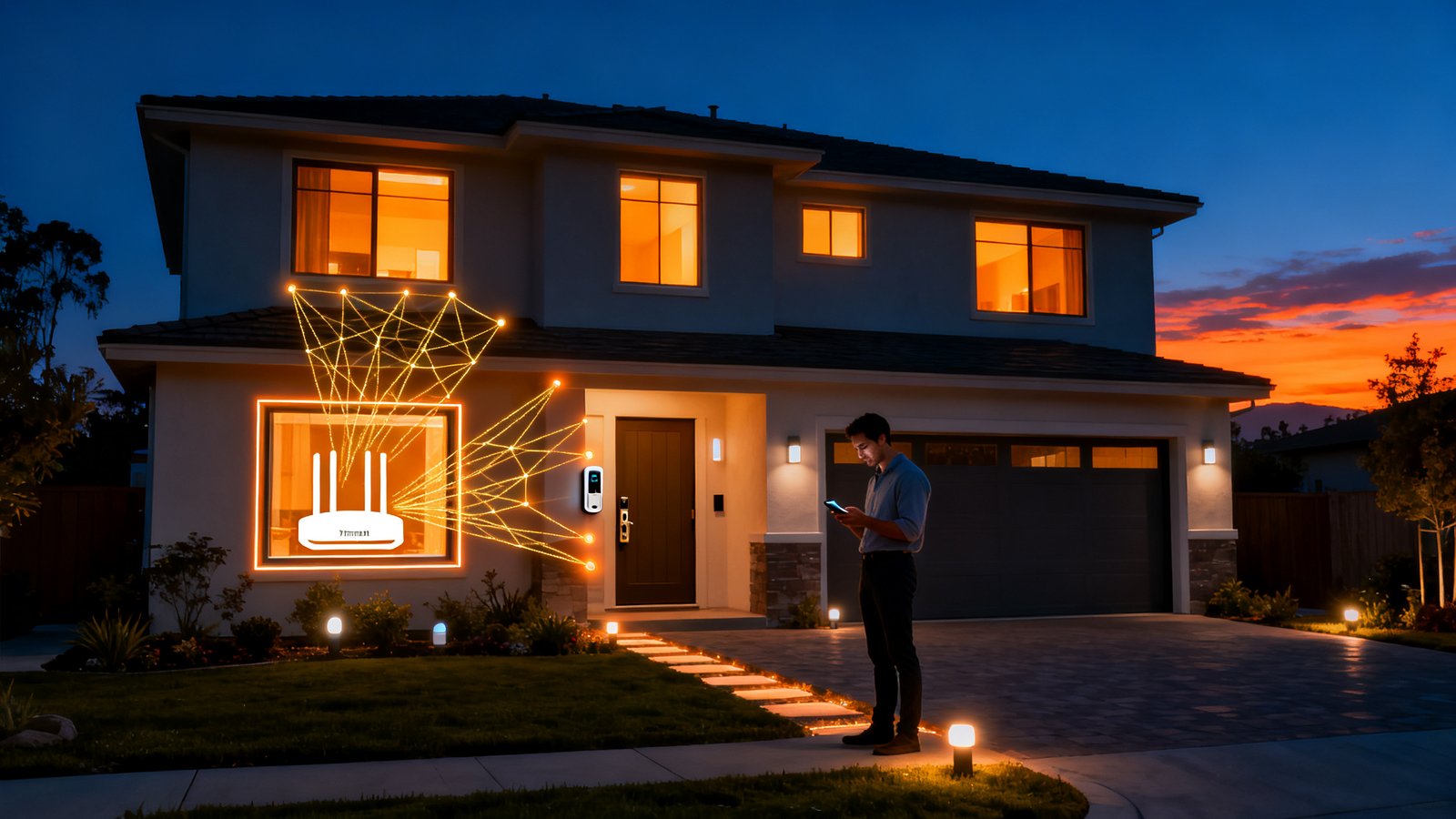
The border router requirement is non-negotiable. A Thread device cannot reach the internet or a Matter controller without a Thread border router on the network. This is the piece most guides miss, as Datawire Solutions points out. If you buy a Thread sensor without a border router already in place, it simply will not work with your Matter ecosystem. Apple HomePod Mini, Apple TV 4K, Google Nest Hub Max, and Amazon Echo 4th Gen all include Thread border routers. But you must own at least one.
Credential sharing fixes multi-mesh mayhem. Thread 1.4 introduces standardized credential sharing between border routers. Before this update, an Apple border router and a Google border router in the same home would form separate Thread networks. Devices on one mesh could not see devices on the other. Credential sharing forces all compatible border routers to join a single unified mesh. This fix is enormous, but it only works when every border router runs 1.4 firmware. Partial rollouts leave the fragmentation problem partially intact.
Enhanced diagnostics remain underreported. Thread 1.4 adds DHCPv6 Prefix Delegation, NAT64, DNS64, and standardized telemetry. These features let network tools monitor Thread device health, latency, and packet loss using familiar IP diagnostic workflows. Most smart home guides never mention these, but they are essential for integrators troubleshooting flaky automations.
Thread network reliability — real issues and realistic expectations
Thread network reliability is not a binary yes or no question. It depends on your border router mix, firmware versions, and physical topology. Reports of devices flapping between reachable and unreachable states are common in mixed brand homes where not every border router has received the 1.4 update.
Mesh partitioning happens when two or more Thread networks exist in the same physical space but cannot exchange credentials. A motion sensor on mesh A cannot trigger a light on mesh B. The user sees an automation that works sometimes and fails other times with no clear pattern. The root cause is invisible without diagnostic tools.
Incompatible border routers exacerbate the problem. A 2024 era border router that shipped with Thread 1.3 will not participate in credential sharing until its manufacturer releases a firmware update. Some manufacturers prioritize updates. Others lag. In early 2026, full ecosystem rollout of Thread 1.4 support remained in progress. This staggered timeline means instability is the norm for mixed brand homes, not the exception.
What to check when reliability drops: open your Matter controller app and look for multiple Thread networks listed. If you see more than one, your border routers are not sharing credentials. Power cycling all border routers sometimes forces renegotiation. Also check signal strength between battery powered Thread devices and their nearest mains powered router node. A weak link causes retransmissions that drain batteries and increase latency.
Performance & latency — what you can expect (and what we don’t know)
Typical Thread latency hovers around 100 milliseconds for a single hop under normal conditions, based on available measurements. For a door lock command or motion triggered light, that is fast enough to feel instantaneous to a human. A user pressing unlock on their phone expects the deadbolt to respond within a few hundred milliseconds, and Thread delivers.
What we do not know is how Thread compares to Z-Wave in multi-hop scenarios. Z-Wave operates at 908 MHz in North America, avoiding 2.4 GHz congestion entirely. Its maximum hop count is four. But no supplied source provides exact latency figures for a three hop Z-Wave mesh. Claims that Thread is faster or slower than Z-Wave are speculation unless backed by controlled measurements. Anyone making a precise millisecond comparison between the two protocols is working without published data.
Latency matters most for security devices. Your smart lock should respond to an unlock command immediately. A 500 millisecond delay is acceptable. A five second delay is not. Thread’s 100 millisecond baseline leaves plenty of headroom. For temperature sensors reporting every five minutes, latency is nearly irrelevant. Match your protocol choice to the use case urgency.
Streaming is not a Thread use case. The protocol caps at 250 kbps. Cameras, video feeds, and audio streaming belong on WiFi. A smart home energy management system that aggregates sensor data can run beautifully on Thread while its dashboard and video feeds use WiFi. The hybrid approach is not a compromise. It is the intended architecture.
Economics and buying considerations (price uncertainty and device premium)
Thread devices carry a premium over WiFi equivalents. Available data points to a typical delta of five to twenty dollars per device, according to Datawire Solutions’ device premium comparison. A WiFi door sensor might cost fifteen dollars while its Thread counterpart runs twenty to thirty five dollars.
Is the premium justified? For battery powered sensors you plan to deploy across a large home, yes. The avoided battery changes alone recover the upfront cost over two years. For a single smart plug near an outlet, the premium is harder to justify. WiFi works fine for always powered, single device use cases.
What we do not know is the cost delta between Thread 1.4 sensors and Bluetooth Low Energy mesh equivalents in 2025. No supplied source provides this comparison. BLE mesh remains an alternative for low power local control, but it lacks Thread’s native IP addressing and Matter integration depth. Until published pricing data emerges, budget for Thread at a five to twenty dollar premium over WiFi and assume BLE mesh sits somewhere between the two.
Budgeting advice: allocate the Thread premium to devices where battery life and local reliability meaningfully improve your experience. Door and window sensors, motion detectors, and smart locks are high value targets. Smart plugs and always powered fixtures are low value targets for Thread investment.
Timeline & adoption — should you buy Thread devices now or wait?
No specific adoption rate for Thread 1.4 protocol devices in smart homes exists for 2026. The available evidence points to an ecosystem still mid-rollout. Thread 1.4 support was not universally deployed across major border router manufacturers as of early 2026. This means buying Thread today is buying into a protocol in active transition.
The buy case: if you already own a Thread border router from a single ecosystem (all Apple, all Google, or all Amazon) and your chosen Thread devices are from that same ecosystem or explicitly certified for it, the experience is stable enough for production use. Locks and security sensors that need local, sub-second response times benefit from Thread today. The latest smart lock innovations show where the industry is headed, and Thread is part of that roadmap.
The hold case: if your home runs a mixed ecosystem with border routers from multiple manufacturers, or if maximum battery life is a non-negotiable requirement, wait. Zigbee sensors still deliver roughly 50% longer battery life on comparable hardware. The fragmentation fixes in Thread 1.4 are real but incomplete. Waiting six to twelve months lets firmware rollouts catch up and gives manufacturers time to ship native 1.4 devices rather than updated 1.3 hardware.
Use case urgency drives the timeline. A security critical application like a door lock that must work locally justifies buying Thread now. A noncritical temperature sensor in a guest bedroom does not. Apply the buy/hold framework by device priority, not by blanket protocol preference.
Practical setup checklist — border router setup and basic troubleshooting steps
A successful thread border router setup eliminates most reliability complaints before they start. Follow this checklist when deploying your first Thread devices.
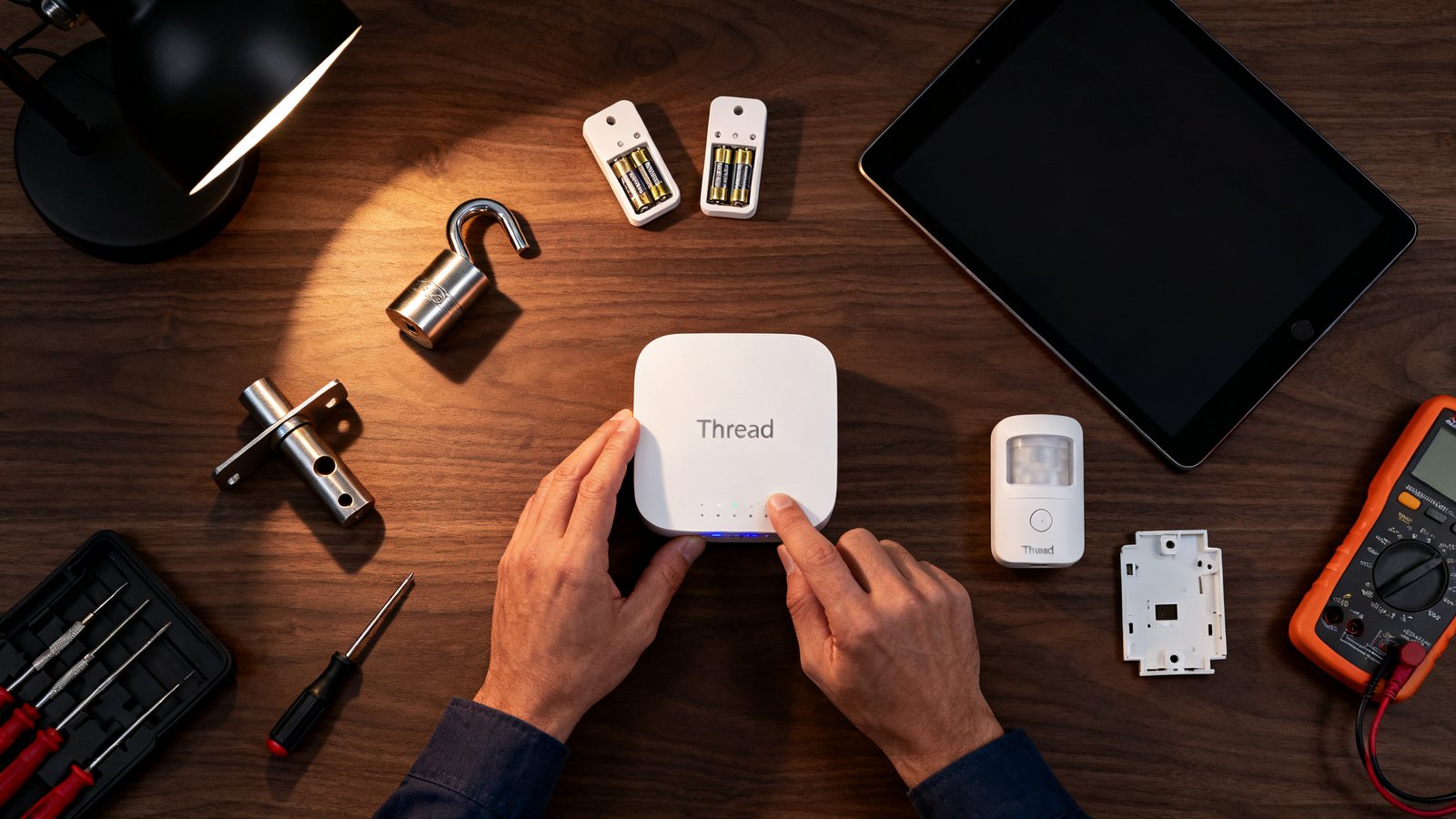
- Verify border router compatibility. Confirm your smart speaker or hub includes a Thread border radio. Not all models do. Check the manufacturer spec sheet for “Thread border router” explicitly.
- Update firmware on every border router. Thread 1.4 credential sharing requires current firmware. An outdated border router on your network creates a parallel mesh.
- Enable credential sharing. In your Matter controller app, look for Thread network settings and confirm credential sharing is active across all border routers.
- Check DHCPv6 and NAT64 settings. Thread devices need IPv6 connectivity to reach Matter controllers and the internet. Your router must support IPv6 or your border router must handle NAT64 translation.
- Monitor diagnostics. Use your controller app to check for multiple Thread networks, device signal strength, and hop count. Flapping devices often sit at the edge of range with poor signal.
- Deploy mains powered router nodes. Smart plugs and always powered Thread devices act as mesh backbone routers. Place them strategically between your border router and distant battery sensors.
This checklist prevents most common setup failures. If you invest in a comprehensive smart home routine with Thread devices, the upfront configuration effort pays off in daily reliability.
Buying checklist — how to evaluate Thread sensors and locks today
Evaluating thread smart home sensors locks requires looking past marketing claims and checking technical specifications that indicate real world performance and future compatibility.
- Battery specifications. Look for claimed battery life in months or years under typical use. Cross reference with the ~2 year benchmark for Thread sensors versus ~3 years for Zigbee on similar hardware. If a Thread sensor claims five years, ask what battery chemistry and reporting interval that assumes.
- Power mode support. Verify the device supports Thread’s sleepy end device mode for battery conservation. Mains powered devices should advertise router eligible status to strengthen your mesh backbone.
- Matter certification. A Thread device without Matter certification is a silo. Confirm Matter 1.2 or higher certification for the device type you are buying.
- Border router compatibility list. The manufacturer should publish a tested compatibility list for border routers. If they only test with one ecosystem, your mixed brand home may encounter issues.
- Thread 1.4 support timeline. Ask the vendor directly whether the device ships with Thread 1.4 firmware or has a published update roadmap. Rollout remained ongoing in early 2026. A device shipping with 1.3 in the box is not a dealbreaker if a 1.4 OTA update is committed.
- Diagnostics accessibility. Does the device expose signal strength, hop count, and battery voltage in your controller app? Opaque devices are impossible to troubleshoot.
- Warranty and firmware update policy. A sensor with a one year warranty and no published firmware update history is a risk. Thread is evolving rapidly. You want a manufacturer that ships updates.
These criteria separate devices built for the Thread ecosystem’s current transitional state from those designed for a mature market that does not yet exist. A smart home air quality monitor on Thread with Matter certification and a clear 1.4 update path is a reasonable purchase. A no name Thread sensor with no published specs and no firmware history is not.
Quick decision guide (one-page recommendation)
This section condenses the entire analysis into actionable guidance for the Thread vs WiFi smart home decision in early 2026.
Buy Thread now if: you need local, Matter native reliability for security critical devices like door locks and motion sensors. You own or plan to purchase a compatible Thread border router from a single ecosystem. You value low latency local control and can tolerate battery life that is good but not class leading. You are comfortable monitoring firmware updates and occasionally power cycling border routers during the 1.4 transition.
Wait if: maximum battery life is your top priority and Zigbee’s ~3 year benchmark matters more than IP native diagnostics. You run a mixed brand home with border routers from Apple, Google, and Amazon simultaneously and cannot consolidate to one ecosystem. You are risk averse and want the fragmentation problems fully resolved before investing. You need sensors that work flawlessly out of the box with zero troubleshooting.
Hybrid strategy: Use Thread for battery powered sensors, locks, and actuators where local control and latency matter. Use WiFi for cameras, voice assistants, and high bandwidth devices. This is not a one protocol wins scenario. A well designed low power mesh network home uses Thread where it excels and WiFi where Thread cannot compete.
Appendix / Sources & further reading
- Mordor Intelligence — Global Smart Homes Market Industry Report (WiFi revenue share data)
- Datawire Solutions — Zigbee vs Z-Wave vs WiFi vs Thread (battery benchmarks, AP congestion, device premium, latency)
- Datawire Solutions — Matter and Thread Explained 2026 (border router requirement, credential sharing, 1.4 diagnostics)
- Bitdefender — Thread 1.4 Slow Rollout Analysis (device flapping, multi-mesh issues, ecosystem rollout status)
Conclusion
Thread is the right long term bet for local, low power, IP native smart home connectivity. Its architectural advantages over WiFi for battery operated sensors and actuators are genuine. Matter compatibility makes it the most interoperable mesh protocol available today. But the ecosystem is mid-transition. Thread 1.4 fixes the fragmentation that plagued early adopters, yet full rollout remains incomplete in early 2026.
The pragmatic path is selective adoption. Deploy a Thread mesh network smart home for your security and sensing layer now if you have a compatible border router and can tolerate occasional troubleshooting. Wait on noncritical devices if battery longevity or zero maintenance operation matters more. The hybrid WiFi plus Thread architecture is not a compromise. It is the blueprint the industry is converging on. Build toward it deliberately, one device at a time, and your smart home will be more reliable and more local than anything WiFi alone can deliver.
Ready to start? Pick one Thread border router, buy two Thread sensors from a manufacturer with a published 1.4 update roadmap, and run the setup checklist above. Live with the setup for a month before expanding. Your experience during that trial will tell you more than any guide can.
Frequently Asked Questions
What exactly is a Thread mesh network and how does it work in a smart home?
A Thread mesh network is a wireless network where each mains powered device acts as a router node, relaying messages for nearby battery powered devices. It uses IPv6 addressing so every device has a unique IP address and can communicate locally without cloud servers. The mesh self heals when a node drops offline, rerouting traffic through alternate paths. This design provides low latency, low power, and high reliability for sensors, locks, and actuators throughout the home.
Do I need a dedicated Thread border router to use Thread devices?
Yes. Thread devices cannot reach the internet or a Matter controller without a Thread border router. Many smart speakers and hubs include this function, such as Apple HomePod Mini, Apple TV 4K, Google Nest Hub Max, and Amazon Echo 4th Gen. If you do not own a compatible border router, Thread devices will not work with your Matter ecosystem. This is a hard requirement, not an optional accessory.
How does Thread compare to WiFi for battery powered smart locks and sensors?
Thread dramatically outperforms WiFi on battery life. A Thread door sensor runs approximately two years on a coin cell battery. A comparable WiFi sensor lasts three to six months. Thread also provides local control with sub second latency without depending on cloud servers. WiFi excels at high bandwidth tasks like video streaming but is poorly suited for battery powered, always on sensor networks where frequent battery changes become impractical.
Is Thread 1.4 backward compatible with older Thread devices?
Thread 1.4 maintains backward compatibility with Thread 1.3 devices at the radio and network layer. However, Thread 1.3 devices cannot participate in credential sharing, which is the key 1.4 feature that unifies multiple border routers into a single mesh. In a home with both 1.3 and 1.4 border routers, the 1.3 devices may remain on a separate mesh, creating the fragmentation problems that 1.4 was designed to solve.
Should I buy Thread smart home devices now or wait for wider Thread 1.4 adoption?
Buy now if you need local Matter native locks and sensors and already own a compatible border router from a single ecosystem. The core functionality works well in homogeneous setups. Wait if you run a mixed brand home with border routers from multiple manufacturers, or if maximum battery life is your priority. The fragmentation fixes in Thread 1.4 are significant but not yet universally deployed. A six to twelve month waiting period allows firmware rollouts to mature.