
Key Takeaways
- A privacy first smart home runs voice and automation processing on local hardware like a Raspberry Pi, NUC, or NAS, keeping your data off cloud servers entirely.
- The tradeoffs are real: higher upfront hardware costs, more hands on maintenance, and some device compatibility headaches that cloud dependent setups never face.
- This guide provides a concrete implementation checklist, honest cost categories, and flags exactly where public research falls short so you know what to test yourself.
Table of Contents
- Why Local Processing Matters (Privacy, Control, Speed)
- Architecture Blueprint: On Device AI Plus Local Hub
- Platform Choices and How They Handle Local Processing
- Matter 1.3 and Local First Integrations: State of Play
- Cost Tradeoffs: Fully Offline vs Cloud Connected Smart Home
- Latency and Responsiveness: On Device AI vs Cloud Voice
- User Experience and Common Complaints When Going Offline
- Step by Step Implementation Checklist
- Unknowns and Evidence Gaps
- Sources, Verification Guidance, and Reporting Notes
- Frequently Asked Questions
Why Local Processing Matters (Privacy, Control, Speed)
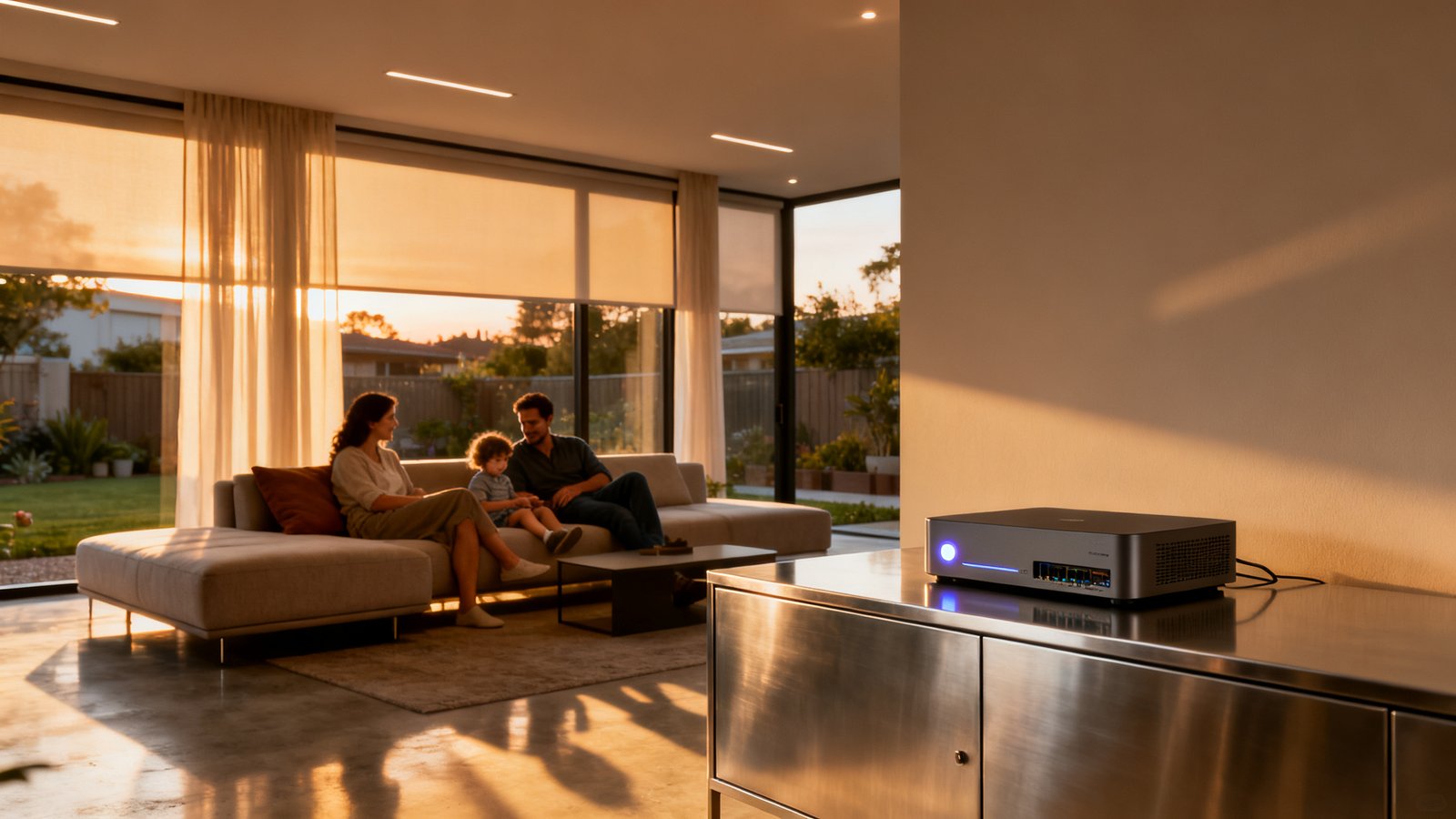
Achieving true smart home local processing privacy means your voice commands, automation logic, and sensor data never leave your house. That is not marketing fluff, it is a fundamental shift in how your home operates. When everything runs on a box under your stairs instead of a server farm three states away, three things change immediately.
First, your data exposure shrinks dramatically. Every time a cloud connected smart speaker sends a voice clip to a distant data center, that recording traverses multiple networks and sits on storage you do not control. Research from Exabeam found that 45% of all data breaches occur in the cloud. That statistic is not specific to smart homes, but it tells you the environment you are trusting with your family’s conversations has a massive target painted on it. Local processing eliminates that vector entirely.
Second, you gain genuine control over automations. Cloud dependent systems can deprecate features, change privacy policies, or experience outages that leave your lights stuck at 3 a.m. A smart home routine that runs locally continues working even when your ISP has a bad day. Community discussions consistently highlight that local control is not just a privacy preference, it is a reliability requirement for anyone who has experienced a cloud outage during dinner.
Third, perceived responsiveness improves. When a voice command travels to a local Thread mesh network device instead of bouncing through AWS, the delay shrinks from noticeable to near instant. The qualitative difference is something users describe as “finally feeling like the future” rather than “yelling at a plastic puck and waiting.”
Vendors like Josh.ai have built their entire positioning around this triad of privacy, proactivity, and local control. Privacy focused community threads on Reddit frequently describe local voice processing as a “godsend” compared to cloud alternatives. The demand is real, and the technology is finally accessible enough that a competent DIYer can build it.
Architecture Blueprint: On Device AI Plus Local Hub
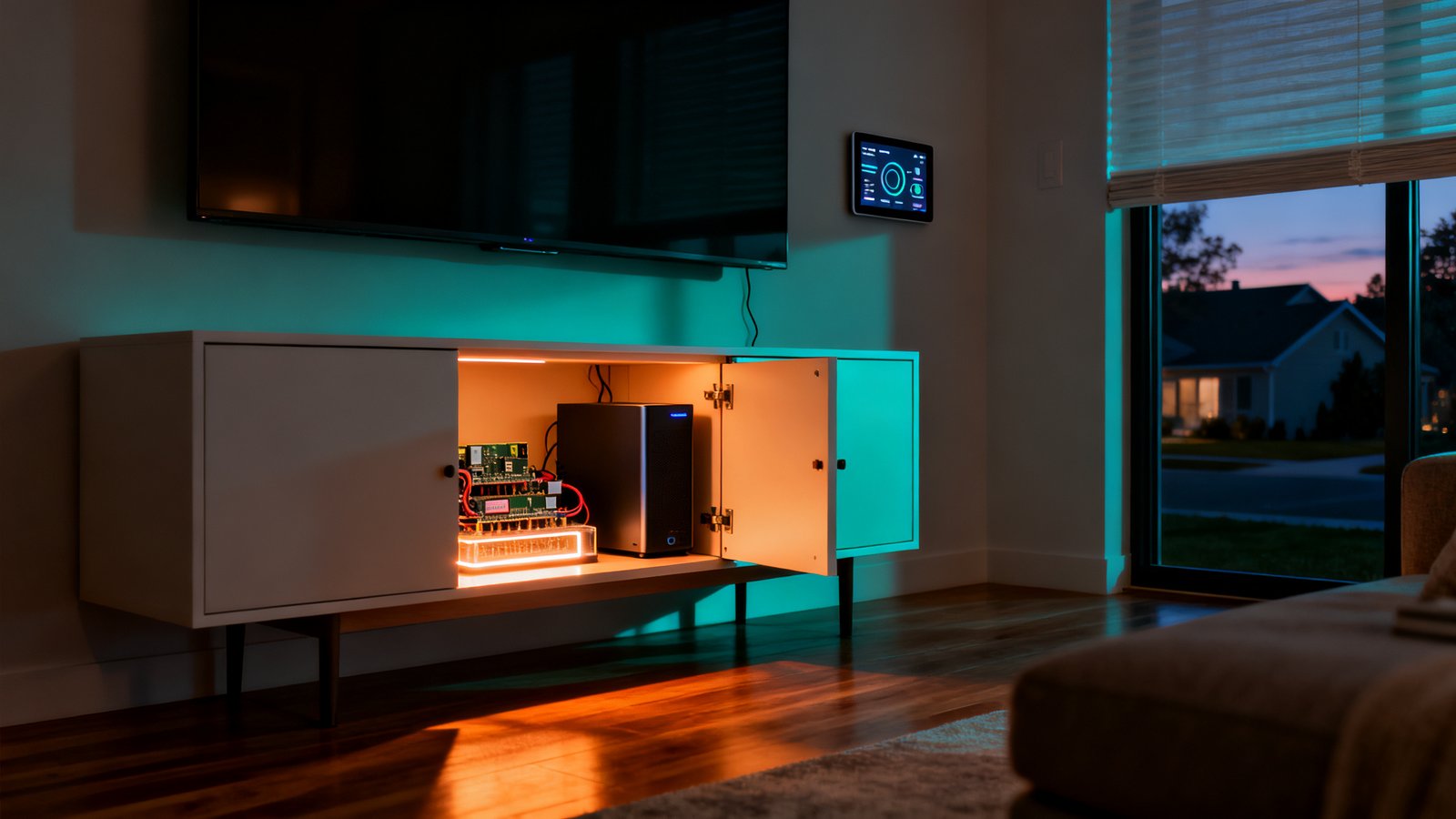
The reference architecture for a privacy preserving smart home is simpler than most people expect. At its core, you need a local hub running wake word detection and natural language understanding, device level controllers that speak protocols like Zigbee or Z Wave, a local message bus such as MQTT, a segmented LAN that isolates IoT devices from your primary network, and optional periodic encrypted backups sent to storage you control, like a NAS in a family member’s house or an encrypted cloud bucket.
For hardware sizing, you do not need a Threadripper. A Raspberry Pi 5 with 8GB of RAM handles a modest setup of 30 to 50 devices without breaking a sweat. If you want faster on device AI processing for voice, consider a NUC with an integrated NPU or a used corporate mini PC with a Coral USB accelerator connected. The accelerator makes wake word detection and local speech to text feel snappy even on modest hardware.
Relying on edge AI smart home no cloud processing means your automations stay functional during internet outages. Your morning routine still triggers, your security automations still fire, and your smart home air quality monitor still triggers ventilation adjustments. The message bus, typically MQTT or CoAP, ensures all devices communicate through a lightweight protocol that does not need internet connectivity.
One honest note: public sources do not provide consumer cost or performance benchmarks for specific on device architectures. Vendors emphasize local control in their marketing but publish no device level benchmarks. You will need to test your specific stack. Expect to spend a weekend tuning wake word sensitivity and NLU accuracy.
Platform Choices and How They Handle Local Processing
Three broad categories exist for running a local smart home assistant. Understanding what each can and cannot localize prevents unpleasant surprises.
Open source stacks: Home Assistant remains the dominant player. With add ons like Rhasspy, Whisper, or Piper, you can run wake word detection, speech to text, and text to speech entirely on device. Automations run locally by default. The downside is setup complexity. You will spend hours configuring YAML files, and voice model accuracy trails cloud offerings unless you invest time in training custom models. For a tech savvy homeowner who understands basic networking, the tradeoff is well worth it.
Commercial privacy first vendors: Josh.ai positions itself as the luxury option for local voice control. Their system runs fully offline, processes natural language locally, and integrates with professional home automation systems like Control4 and Crestron. The benefit is a polished experience with minimal tinkering. The drawback is cost and a closed ecosystem. Josh.ai starts at several thousand dollars and requires professional installation in most cases.
Appliance style hubs: Hubitat and SmartThings offer varying degrees of local processing. Hubitat runs automations locally but pushes some voice features through cloud services. SmartThings has improved local execution but still depends on cloud endpoints for many integrations. These are solid middle ground options if you want local processing without the deep DIY commitment.
Critical distinctions emerge around firmware updates and third party integrations. Firmware updates almost always require cloud connectivity, even on local first platforms. Third party integrations like weather services, voice assistant fallback, or certain streaming APIs remain cloud bound. A truly smart home without cloud storage is achievable, but you must accept that some convenience integrations disappear.
Matter 1.3 and Local First Integrations: State of Play
Matter’s promise of cross brand interoperability for local control is compelling but still incomplete for custom integrators. The standard enables devices from different manufacturers to communicate locally without cloud intermediaries, which sounds perfect for a privacy focused setup. In practice, the rollout has been uneven.
Josh.ai commented that Matter is “not as applicable yet for device manufacturers catering to the custom integration industry,” which signals that high end integrators still rely on established protocols like Zigbee and Z Wave for reliable local control. For the DIY crowd, Matter 1.3 covers basic lighting, locks, blinds, and sensors. You can integrate a Matter bulb into your local first setup without touching the cloud. But when you need advanced features like energy monitoring, complex scene control, or certain sensor types, you may still need bridges or proprietary hubs that reintroduce cloud dependencies.
The realistic path for a privacy focused smart home in 2026 is hybrid. Use Matter devices where they work locally, fall back to Zigbee and Z Wave for mission critical sensors and actuators, and accept that some niche devices will need bridges. The goal is not purity, it is minimization. Every cloud connection you eliminate reduces your attack surface.
Research on specific local features missing from Matter 1.3 remains thin. No source in the provided materials lists absent features, so conduct your own compatibility audit before purchasing Matter devices for a strictly local setup. Check whether the device exposes its full feature set locally or requires a companion cloud app.
Cost Tradeoffs: Fully Offline vs Cloud Connected Smart Home
There is no publicly available 2026 consumer cost comparison between fully offline and cloud based smart home systems. The data simply does not exist yet. What follows are ballpark categories based on community experience and hardware pricing as of mid 2025.
Low cost offline setup ($150 to $300): A Raspberry Pi 5, a Zigbee coordinator, and a handful of compatible sensors and plugs. Runs Home Assistant with local voice via Rhasspy. Limited to text to speech and wake word, full speech to text will be slower without an accelerator. Suitable for a small apartment or single room.
Medium cost offline setup ($500 to $1,000): A NUC or used mini PC with a Coral USB accelerator, a more substantial Zigbee and Z Wave network, and dedicated local voice satellites using old phones or ESP32 boards. Covers a full house with reliable local voice processing.
High cost offline setup ($2,000+): Purpose built hardware like a Josh.ai system or a fanless industrial PC running multiple services, plus professional installation. Delivers polished local voice control comparable to cloud assistants.
The financial case for offline becomes clearer when you factor in subscription costs. Cloud platforms increasingly charge monthly fees for advanced automations, camera storage, or extended voice history. Over five years, a $10 monthly subscription equals $600, which pays for a substantial chunk of local hardware that you own outright. The value of data privacy is harder to price, but for many homeowners, knowing their family conversations stay within their walls is worth the premium.
| Category | Upfront Cost | Monthly Fees | Privacy Level | Maintenance |
|---|---|---|---|---|
| Cloud Connected (Alexa/Google) | Low ($100-$300) | Variable ($5-$15/mo for premium features) | Low: All voice data sent to cloud | Minimal: Vendor managed |
| Hybrid (Hubitat/SmartThings) | Medium ($200-$500) | Optional ($0-$5/mo) | Medium: Automations local, voice may be cloud | Moderate: Some manual updates |
| Fully Offline (HA+Rhasspy/Josh.ai) | High ($300-$2,000+) | None ($0) | High: All data stays local | High: You manage everything |
Latency and Responsiveness: On Device AI vs Cloud Voice
No published millisecond benchmarks compare on device AI to cloud voice processing for smart homes. The gap is an evidence hole that deserves rigorous testing. What community discussions make clear is that the qualitative difference matters enormously.
Cloud round trips introduce multiple sources of delay: audio encoding on the device, network transmission to the cloud, queuing in the provider’s infrastructure, speech to text processing, natural language understanding, intent resolution, command generation, transmission back to the device, and execution. Users on Reddit describe this as a palpable lag that transforms a “magical” experience into a frustrating one. One user noted, “I do not want my control request to bounce through AWS twice… it brings latency.”
On device processing collapses that chain. Audio never leaves the microphone array on your local hardware. Wake word detection fires in single digit milliseconds on a Coral accelerator. Speech to text and intent parsing happen on the same machine or a nearby device on your LAN. The total round trip from spoken command to executed action is often below 300 milliseconds, fast enough that it feels instantaneous.
Practical tips to minimize latency: run wake word models on dedicated inference hardware like a Coral USB or an NPU, keep your local hub wired via Ethernet rather than relying on WiFi, and use MQTT with QoS 0 for non critical sensor updates to reduce protocol overhead. For automations, preload common intent models so your NLU engine is not loading from disk during a request.
User Experience and Common Complaints When Going Offline
Building a fully local smart home introduces friction points that cloud setups avoid. Knowing them upfront helps you plan mitigations instead of abandoning the project.
Device compatibility gaps: Some excellent hardware simply requires cloud connectivity. Cameras from major brands often need cloud endpoints for motion alerts, even if the video feed is local. Smart speakers with proprietary voice assistants are cloud locked by design. Before purchasing any device for a local setup, research whether it exposes a local API. Zigbee, Z Wave, and increasingly Matter devices are your safest bets. WiFi devices from random Amazon brands almost certainly require cloud accounts.
Loss of cloud only integrations: Services like weather forecasts, traffic data, and certain voice assistant skills disappear when you cut the cord. You can approximate some with local APIs that pull data directly, but the experience is not seamless. Accept that your local assistant will not tell you today’s news headlines without a carefully configured RSS scraper.
Local backup burden: Cloud systems back up your automations automatically. When you go local, you own backups. Automate encrypted snapshots to external storage and test your restore process. A corrupted SD card on a Raspberry Pi has ended many smart home projects prematurely.
Voice model accuracy: Offline speech to text and NLU models are getting remarkably good, but they are not yet equivalent to Google or Amazon’s cloud models trained on billions of utterances. Expect to repeat yourself occasionally, especially in noisy environments or with accents the model was not trained on. Training custom models with your voice improves accuracy significantly, but that is a time investment many users underestimate.
Step by Step Implementation Checklist
This checklist walks through a sample build for a homeowner with basic Linux comfort and a weekend to invest. Adjust the hardware based on your budget using the categories above.
Step 1: Audit your existing devices for cloud dependency. Create a spreadsheet. List every smart device in your home. For each one, note whether it works locally or requires cloud access. Identify which devices you can replace with local alternatives. Be ruthless. A cloud dependent device is a privacy leak you have chosen to tolerate.
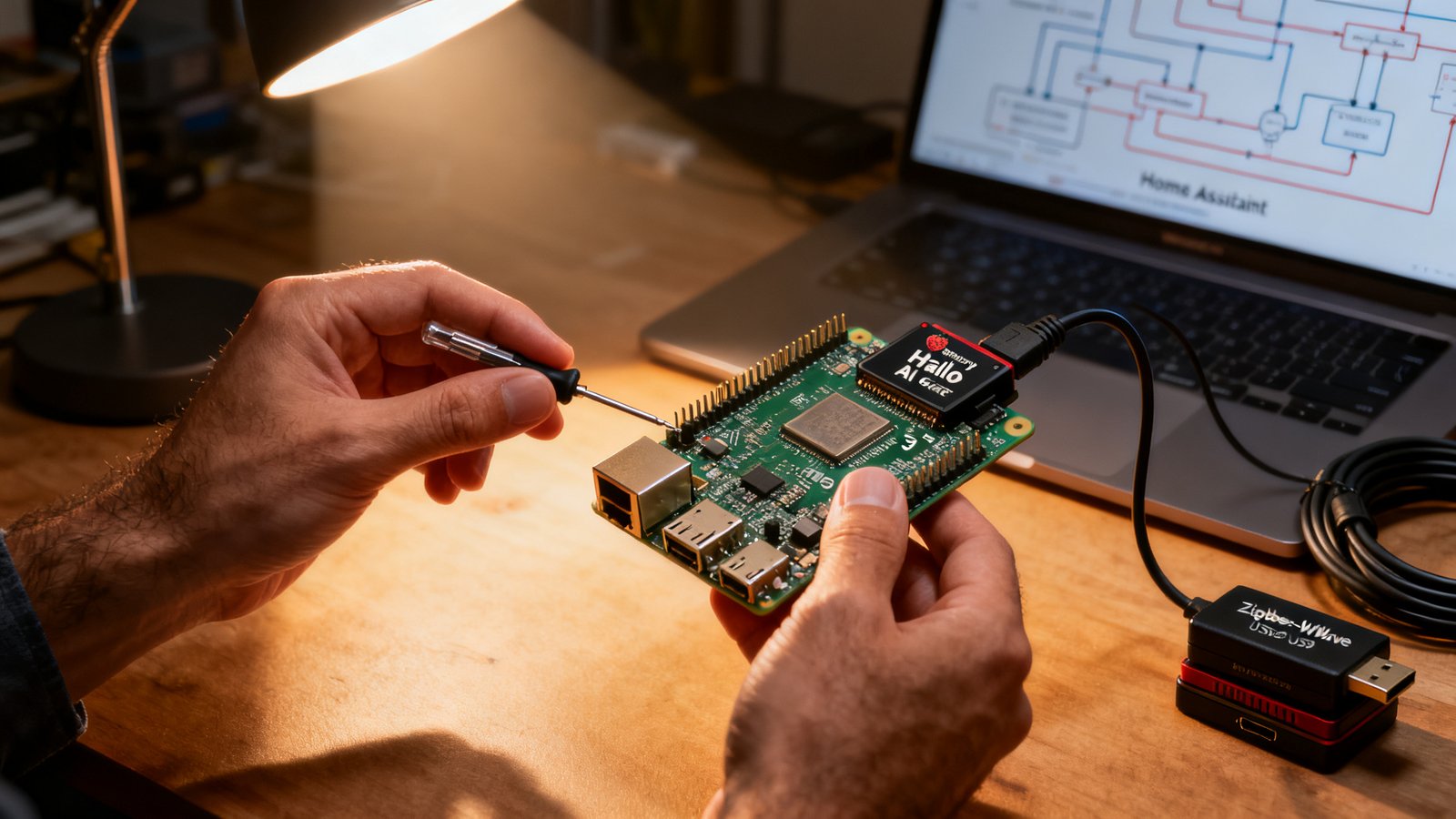
Step 2: Select and acquire hub hardware. For a budget build, get a Raspberry Pi 5 with an NVMe SSD hat. For a more responsive build, get a used Intel NUC or Lenovo ThinkCentre Tiny from eBay. Add a Coral USB accelerator if you plan to use local voice. Budget $150 to $400.
Step 3: Install the local controller. Flash Home Assistant OS onto your hardware. This gives you a web based interface and thousands of local integrations. Alternative: Hubitat or a Josh.ai system if you prefer less hands on management.
Step 4: Add local wake word and NLU. Within Home Assistant, install the Rhasspy or Whisper add on for speech to text, and Piper for text to speech. Set up OpenWakeWord for wake word detection. Test with a simple command like “turn on living room lights” and iterate on the sensitivity settings until it works reliably.
Step 5: Migrate automations in phases. Start with one room. Move those devices to local control, recreate the automations in Home Assistant or your chosen platform, and disable the cloud equivalents. Live with it for a week before expanding. This phased approach prevents the frustration of debugging everything at once.
Step 6: Secure your LAN and configure backups. Create an IoT VLAN. Move all smart devices onto it. Firewall that VLAN from your primary network except for necessary ports. Set up automated encrypted backups of your Home Assistant configuration to a NAS or external drive. Test recovery before you need it.
Step 7: Test failover scenarios. Unplug your internet connection and verify that voice commands, automations, and sensor triggers all continue working. Document what breaks. Some integrations you thought were local may surprise you.
No public benchmarks exist for implementation specific performance or cost numbers at these steps. The estimates here are based on community experience. Your actual costs and performance will vary depending on device count, automation complexity, and hardware choices. Flag anything that does not meet your expectations and be prepared to iterate.
Unknowns and Evidence Gaps
During research for this article, several data gaps emerged that directly impact purchasing and build decisions. Each gap is documented here with a short research plan so you can investigate further or pressure vendors for transparency.
Percentage of 2025 smart home vulnerabilities attributable to cloud breaches: The provided sources contain no smart home specific vulnerability data. The Exabeam statistic that 45% of all data breaches occur in the cloud provides useful context, but it is not specific to smart homes. Until an organization like the IoT Security Foundation publishes a breakdown, this remains speculative. Research plan: monitor CVE databases for smart home entries and classify them by attack vector.
Top three user complaints about offline assistants like Josh.ai: No source in the provided materials lists specific complaints. The Josh.ai website and Medium article highlight only benefits. Community threads discuss cloud frustration generally but do not single out Josh.ai issues. Research plan: conduct a survey of Josh.ai users on integrator forums or reach out to professional installers for candid feedback.
Specific local features missing from Matter 1.3: No source lists absent features. Josh.ai noted Matter is not yet applicable for custom integrators, which is a directional signal but not a feature list. Research plan: set up a test bed of Matter 1.3 devices and compare their local functionality against Zigbee equivalents, documenting any features that require cloud or bridge support.
2026 consumer cost comparison for fully offline vs cloud based systems: No consumer facing cost data exists in the provided materials. Enterprise cloud security spending statistics from SentinelOne and Exabeam are not applicable to consumer cost comparisons. Research plan: build a total cost of ownership calculator that factors hardware, subscriptions, energy, and estimated lifespan for each approach.
Millisecond latency difference between on device AI and cloud voice: No source provided latency measurements in milliseconds. Community discussions note qualitatively that cloud adds noticeable delay, but hard numbers are absent. Research plan: use a consistent test setup with a high speed camera or oscilloscope on an LED to measure end to end latency from spoken command to physical action for multiple platforms.
Sources, Verification Guidance, and Reporting Notes
The following sources informed this article and are cited where applicable. The Exabeam cloud breach statistic (45% of all data breaches occur in the cloud) provides the only usable numeric context for general cloud risk. View the Exabeam cloud security statistics here.
The Josh.ai website and their Medium post “A Look Back at 5 Challenges Facing the Smart Home Market” provide vendor perspective on local processing benefits and Matter’s current limitations for custom integrators. Visit Josh.ai’s official site for their latest privacy features.
Community sentiment was drawn from Reddit discussions including “What frustrates you most about smart home tech?” on r/homeassistant, which captures qualitative frustration with cloud dependency and desire for local voice processing.
Where research gaps exist, this article explicitly labels estimates rather than presenting them as sourced facts. Readers are encouraged to conduct primary testing, particularly for latency benchmarks and total cost of ownership calculations. Vendor follow ups for transparency on local processing capabilities are also recommended.
Conclusion
Building a smart home local processing privacy setup requires upfront effort most cloud dependent users never experience. You will spend weekends configuring YAML, troubleshooting voice models, and learning network segmentation. But the result is a home that respects your privacy, continues working during internet outages, and responds to your voice commands without sending recordings to distant servers. The technology is mature enough that a motivated DIYer with basic Linux skills can pull it off. The cost is manageable across multiple budget tiers. The biggest gaps are not technical, they are informational: no one has published good latency benchmarks, comprehensive cost comparisons, or systematic vulnerability breakdowns specific to smart homes. If you build a local system, consider documenting your results. The community needs that data.
Ready to start your offline smart home journey? Audit your current devices today. Identify the three biggest cloud dependencies in your setup and research local alternatives for each. Then pick up a smart home energy management system compatible hub and begin your migration one room at a time. Your privacy is worth the effort.
Frequently Asked Questions
Can I build a local smart home without any programming experience?
Basic Linux comfort and willingness to follow documentation are necessary. You do not need to write code, but you will copy paste configurations, edit YAML files, and troubleshoot error logs. If that sounds intimidating, consider a commercial local first option like Josh.ai that handles the complexity for you, though at a higher cost.
Will my smart home still work during an internet outage?
If built correctly, yes. Local automations, voice commands processed on device, and sensor based triggers continue functioning without internet. External services like weather forecasts or remote access when away from home will stop working until connectivity returns.
What happens to voice commands spoken when the internet is down?
On a properly configured local system, voice commands are processed entirely on device and execute immediately. No recording is queued for later cloud upload. The command simply works, or fails if the required device or service is unavailable. Nothing leaves your network.
Is Home Assistant with local voice as accurate as Alexa or Google?
Not yet. Offline speech to text models have improved dramatically, but they do not match the accuracy of cloud models trained on billions of samples. Expect to repeat yourself more often, especially in noisy rooms or with uncommon phrasing. The accuracy gap is closing rapidly with each model release.
How do I handle firmware updates for local only devices?
This is a genuine challenge. Most devices need cloud connectivity for firmware updates even if they operate locally afterward. The pragmatic approach is to temporarily allow internet access for updates, apply them, then re block the device. Some platforms like Home Assistant can proxy updates through the hub while keeping the device itself offline.